
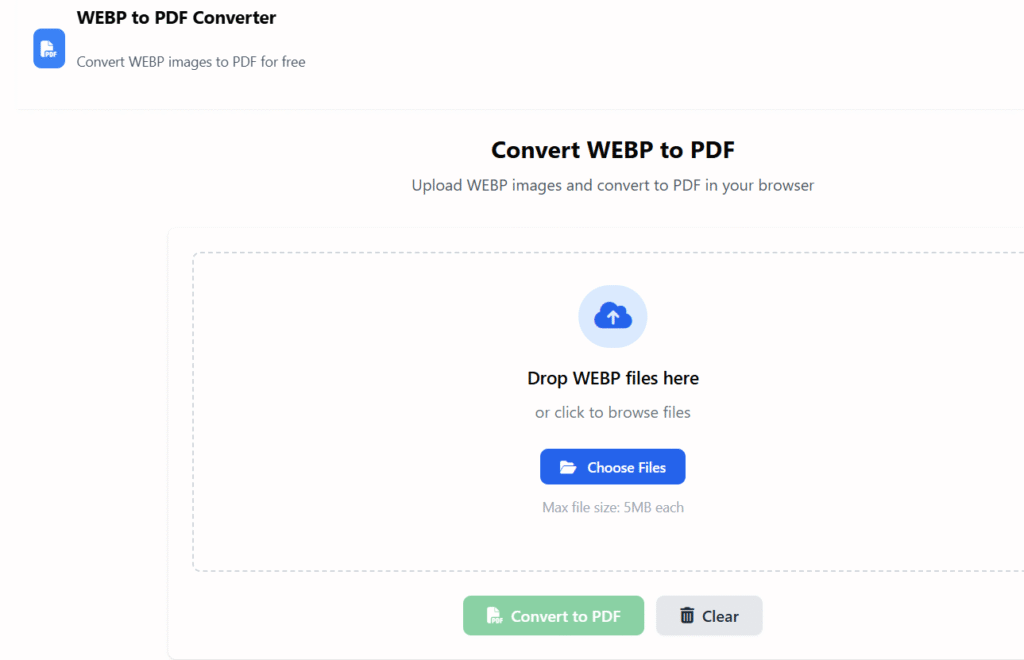
WEBP to PDF Converter
Convert WEBP images to PDF for free
Convert WEBP to PDF
Upload WEBP images and convert to PDF in your browser
Drop WEBP files here
or click to browse files
Max file size: 5MB each
Image Preview
Upload a WEBP file to preview
PDF Preview
PDF will appear here
🖼️ WebP to PDF Converter Online Free
Last updated: Dec 2025
Webp to pdf converter online free is the simplest way to convert WEBP image files into professional PDF documents directly in your browser. At Regalia360.com, we provide a fast, secure, and easy-to-use WEBP to PDF tool designed for everyday users, students, office professionals, and small businesses across India.
No software downloads.
No registration.
No watermarks.
Just upload your WEBP images and get a clean, high-quality PDF in seconds. 🚀
👉 Upload your WEBP files below and convert them to PDF instantly!
🔍 What Is a WEBP to PDF Converter?
A WEBP to PDF converter online is a tool that changes WEBP image files into PDF format.
WEBP images are widely used on websites because they load faster and save bandwidth. However, they are often not accepted for:
- Government form submissions
- College or school uploads
- Office documentation
- Printing or email attachments
By converting a WEBP image to PDF, you ensure universal compatibility and professional presentation.
🇮🇳 Why WEBP to PDF Conversion Is Useful in India
Many Indian users face issues when submitting images online. PDFs are the most accepted format across platforms.
Common Indian Use Cases:
- 📄 Uploading documents for government portals
- 🎓 Submitting assignments on college or school websites
- 🏢 Sharing documents in office emails
- 🖨️ Printing images from mobile phones
- 📑 Creating PDFs for banking or legal purposes
Our webp to pdf converter online free tool solves these problems instantly.
🛠️ How to Use the WEBP to PDF Converter
Using Regalia360’s tool is extremely simple — even for first-time users.
Step-by-Step Guide:
- Click the Upload WEBP Files button
- Select one or multiple WEBP images
- Arrange images if needed (optional)
- Click Convert to PDF
- Download your PDF instantly
⏱️ The entire process takes less than a minute.
👉 Upload your WEBP image now and get your PDF instantly!
⭐ Key Features of Our Tool
Our tool is designed to be fast, reliable, and user-friendly.
🔹 Core Features:
- ✅ 100% Free Online Tool
- ✅ No Watermark on Output PDF
- ✅ Batch WEBP to PDF Conversion
- ✅ High-Quality Image Preservation
- ✅ Works on Mobile, Tablet & Desktop
- ✅ No Account or Login Required
This makes it ideal for both personal and professional use.
🎯 Benefits of Using Regalia360 WEBP to PDF Converter online free
Using our online webp to pdf gives you several advantages.
📄 Universal Compatibility
PDF files open smoothly on:
- Android phones
- iPhones
- Windows & Mac computers
🔒 Privacy & Data Security
- Files are processed securely
- No files are shared or reused
- Automatic deletion after conversion
⚡ Fast & Lightweight
- Optimized for slow and fast internet
- Works well even on mobile data
🖨️ Print-Ready PDFs
- Clean layout
- No compression issues
- Perfect for printing
👨💼 Professional Output
- Ideal for offices, students, freelancers, and small businesses
🧠 Why Choose Regalia360? (Trust & Experience)
At Regalia360, we focus on creating tools that are:
- ✔ Easy to use
- ✔ Fast and reliable
- ✔ Respect user privacy
- ✔ Optimized for real-world needs
Our tools are built by experienced developers and tested for everyday use cases. We continuously improve performance, security, and compatibility to ensure the best experience.
when you should NOT use WebP → PDF
- When transparency matters – Some conversions flatten or lose alpha channels.
- For high-quality printing – WebP compression can reduce print clarity.
- If metadata must be preserved – EXIF/XMP data may be lost.
- When images need editing later – PDF is harder to modify than image formats.
- For animations – WebP animations won’t carry over to PDF.
- If file size must stay minimal – PDFs can be larger than WebP.
- When exact color accuracy is required – Color profiles may shift.
📌 Common Use Cases (Real Examples)
🧑🎓 Students
- Convert WEBP screenshots into PDFs for assignments
- Upload PDFs to college portals
🧑💼 Office Professionals
- Share documents via email
- Convert images into printable PDFs
🧑💻 Freelancers & Designers
- Send client previews as PDF files
- Archive web images professionally
🏪 Small Businesses
- Create PDFs for invoices, product images, or documents
📱 Works Perfectly on Mobile Devices
Most Indian users access tools via mobile phones. Our webp to pdf is fully optimized for:
- Android smartphones
- iPhones
- Tablets
No app installation required — just open the page and convert.
🔍 SEO-Friendly & User-Friendly Design
This page is built with:
- Fast loading speed
- Clean layout
- Minimal ads
- Clear instructions
This ensures a smooth experience for users and better trust for search engines.
?(FAQs)
1. Is this WEBP to PDF converter online free really free?
Yes. Our webp to pdf converter online free tool has no hidden charges.
2. Can I convert multiple WEBP images into one PDF?
Yes. You can upload multiple WEBP files and merge them into a single PDF.
3. Will the image quality reduce after conversion?
No. The original resolution and clarity are preserved.
4. Are my files safe and private?
Absolutely. Files are encrypted during processing and deleted automatically.
5. Do I need to create an account?
No signup or login is required.
6. Does it work on slow internet connections?
Yes. The tool is optimized for Indian network conditions.
🚀 Get Started Now
If you are looking for a simple, secure, and reliable webp to pdf, Regalia360.com is the perfect solution.
Whether you’re a student, professional, or business owner, our tool helps you convert WEBP images into PDFs effortlessly.
👉 Upload your WEBP images now and convert them to PDF in seconds!